
Infrared Heating Panel Controls
Choose the right control for your WarmlyYours infrared heating panels—from a simple countdown timer to a WiFi smart switch with Alexa, Google, and Apple HomeKit support. Every control is cULus listed and ships ready to install.

Every WarmlyYours Control Includes
Every control ships ready to install with everything you need—no surprises, no add-ons.
Infrared Heating Panel Controls Comparison
Compare features across all available control options to find the perfect fit for your infrared heating panel installation.
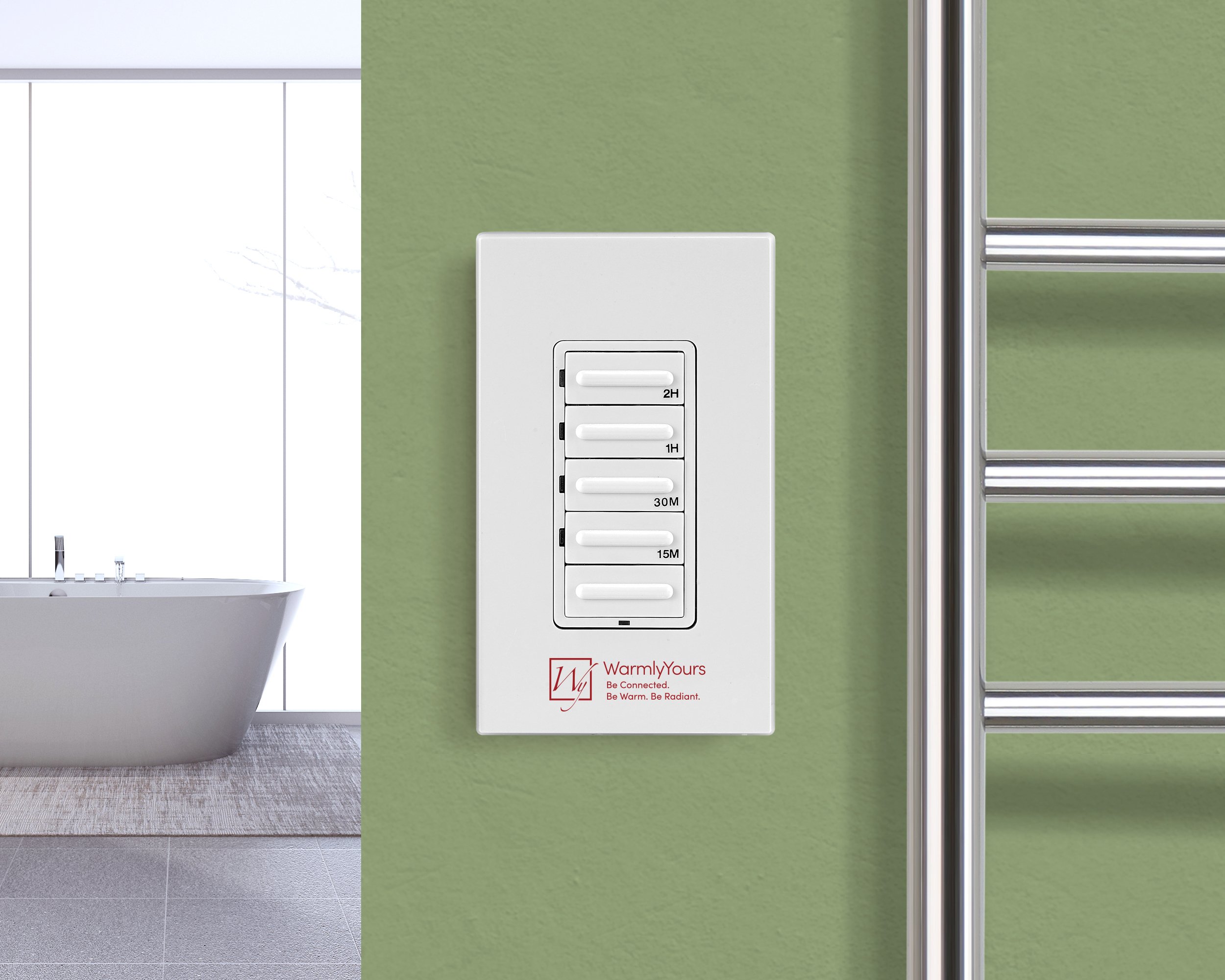
Simple timer, no programming
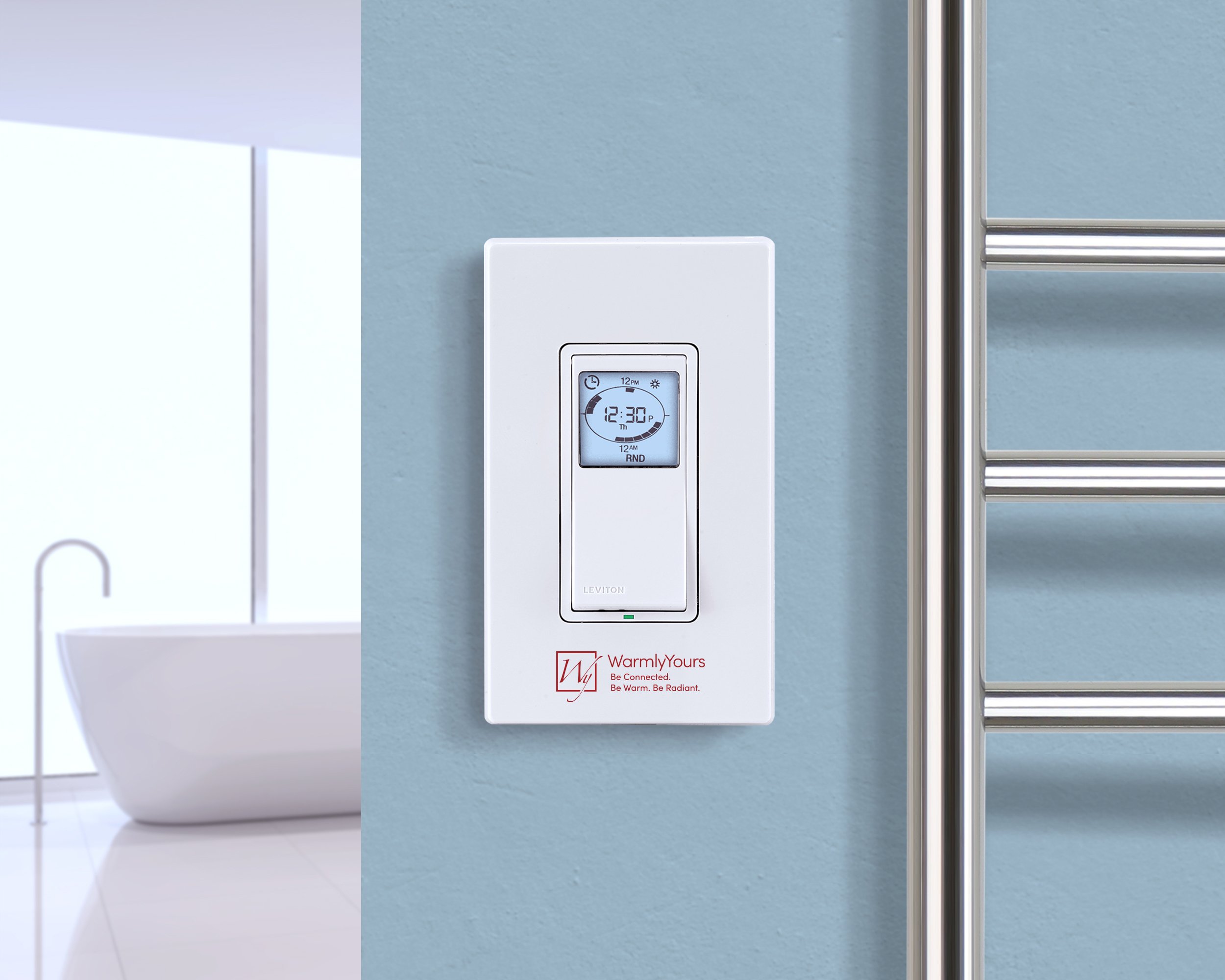
Scheduled daily heating
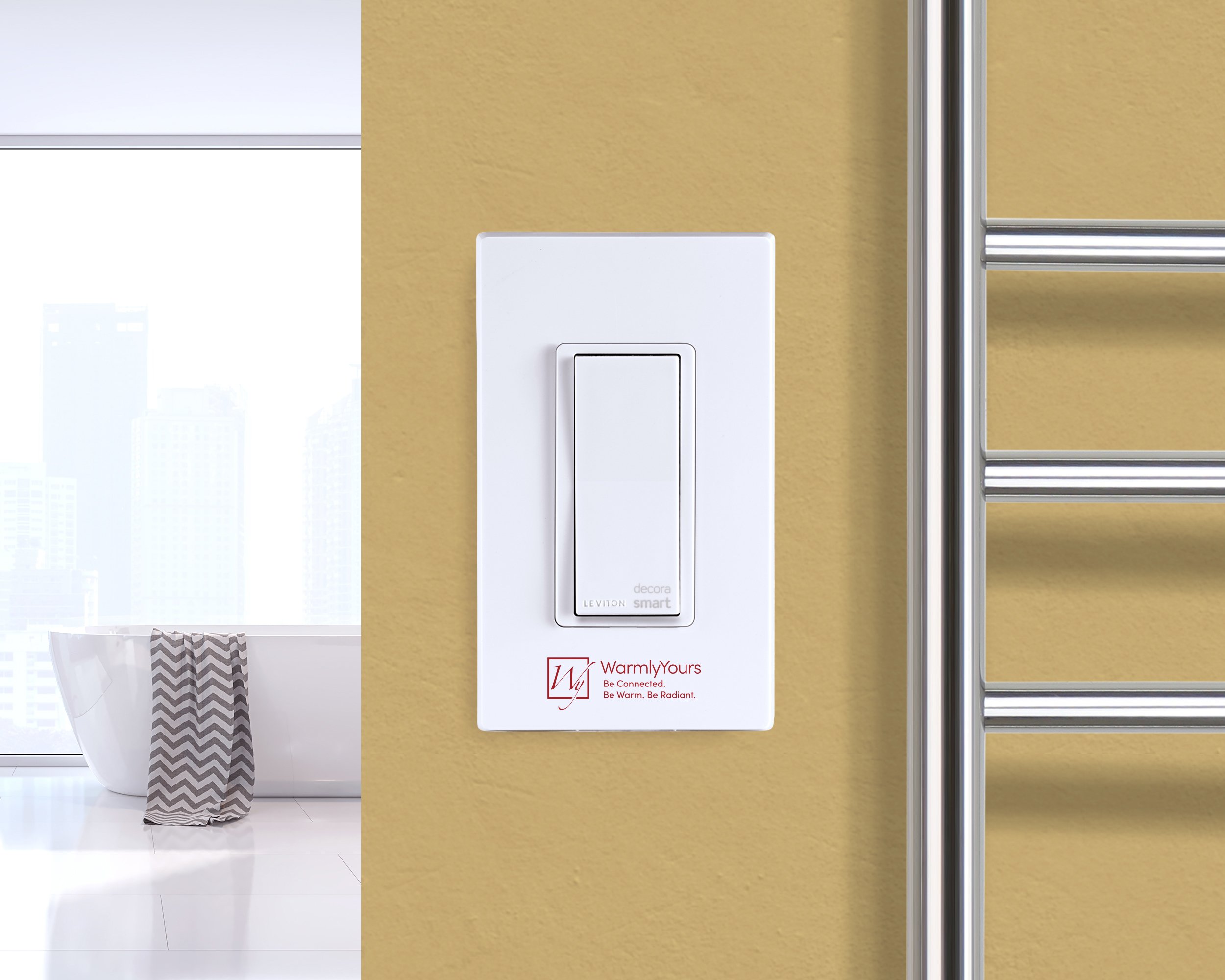
Smart home & voice control
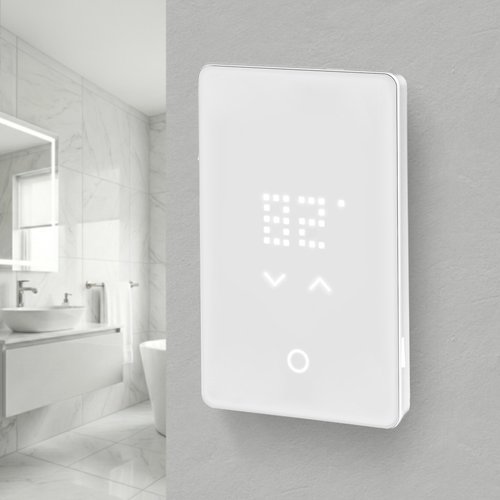
Best for users who want to maintain consistent temperature and adjust it when needed from the thermostat.
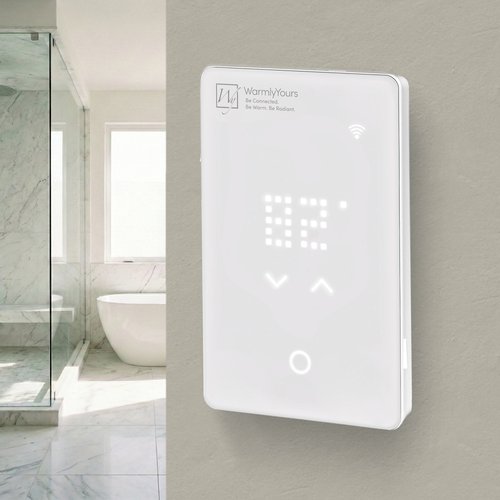
Best for users who want app-based control of their floor heating system, with the thermostat primarily used for basic temperature adjustments.
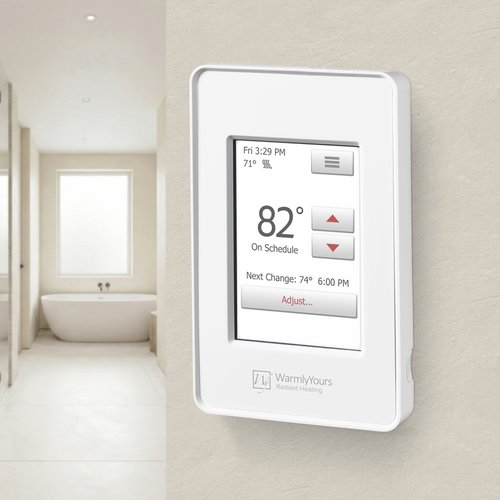
Best for users who prefer full control and setup directly on the thermostat via an intuitive touchscreen display.
Need Help Choosing the Right Control for Your Infrared Heating Panels?
Our radiant experts have helped over 100,000 customers choose the right system. Get personalized advice—free, typically within one business day.
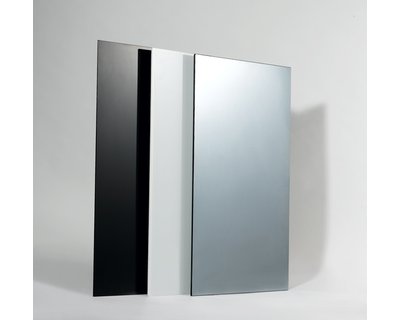
Shop Infrared Heating Panels
These controls are compatible with every hardwired WarmlyYours Ember infrared heating panel. Browse by type to find your match.
Frequently Asked Questions
Showing all 5 questions
Yes. Two WarmlyYours controls support smart home integration:
Hardwired WiFi Switch (GK16-30090-0003) — Compatible with Amazon Alexa, Google Assistant, Apple HomeKit/Siri, Samsung SmartThings, and IFTTT. No hub is required. You control the panel using the free My Leviton app and can set schedules, turn the panel on or off remotely, and use voice commands. This is the recommended choice if smart home integration is your priority.
nJoy WiFi Programmable Thermostat (UWG5-4999-WY) — Also supports Alexa and Google Assistant in addition to full floor temperature regulation. Best if you want both smart home control and precise temperature management.
The countdown timer (GK16-30090-0006) and programmable timer (GK16-30090-0002) do not have WiFi connectivity and cannot be controlled remotely.
Not every switch or thermostat is compatible with WarmlyYours infrared heating panels. Here is what you need to know:
- All WarmlyYours infrared heating panels operate at 120V. Your control must be rated for 120V.
- Most panels draw between 300W and 600W, so a standard 15A switch is more than sufficient for a single panel.
- Smart dimmers and dimmer switches are not compatible — infrared heating panels require full on/off switching, not dimming.
- Floor heating thermostats with a floor sensor can be used but are not required unless you want temperature-based control (rather than time-based).
WarmlyYours offers three controls designed and tested specifically for use with our infrared heating panels: the countdown timer (GK16-30090-0006), the programmable timer (GK16-30090-0002), and the WiFi switch (GK16-30090-0003). Using a WarmlyYours control ensures compatibility and preserves your warranty.
It depends on how many panels you have and how you want to control them:
Single panel — One control is all you need. Any of the WarmlyYours controls can manage a single panel on a single circuit.
Multiple panels in the same room — If all panels in the room are on the same circuit and you want them to run together, a single control works. If they are on separate circuits, each circuit needs its own control.
Multiple rooms — Each room should have its own control so you can manage heating schedules independently per space. The nJoy WiFi Thermostat (UWG5-4999-WY) manages up to 10 independent schedules, but it still controls a single circuit.
If you have a large installation with many panels across multiple zones, our radiant experts can help you plan the optimal control configuration at no charge. Contact us for a free consultation.
WarmlyYours infrared heating panels are compatible with the following hardwired 120V controls sold separately:
- Hardwired 4-Setting Countdown Timer (GK16-30090-0006) — Four preset run durations (30 min, 1 hr, 2 hr, 4 hr). Ideal for occasional use where you want the panel to run for a fixed period then shut off automatically.
- Hardwired Programmable Timer (GK16-30090-0002) — Programs up to 50 on/off events with a built-in astronomical clock that can track your local sunrise/sunset times. Best for daily scheduled heating.
- Hardwired WiFi Switch (GK16-30090-0003) — Controls your panel via the free My Leviton app. Compatible with Amazon Alexa, Google Assistant, Apple HomeKit/Siri, SmartThings, and IFTTT—no hub required.
- nJoy WiFi Programmable Thermostat (UWG5-4999-WY) — Full-featured floor heating thermostat with LED touch display, 10-schedule programming, WiFi, and Alexa/Google voice control. Measures actual floor temperature for precise control.
All controls are hardwired 120V devices. If you are unsure which control is right for your panel setup, our radiant experts can help you select the best option at no charge.
Both the countdown timer and programmable timer let you limit how long your infrared heating panel runs, but they work differently:
Countdown Timer (GK16-30090-0006) — A simple press-and-hold control with four preset run durations: 30 minutes, 1 hour, 2 hours, and 4 hours. When the timer expires, the panel shuts off automatically. No programming is required—just select how long you want the heat to run. Best for occasional use in bathrooms or bedrooms where you don’t have a predictable schedule.
Programmable Timer (GK16-30090-0002) — A full 7-day programmable timer with a backlit LCD screen. You can create up to 50 independent on/off events and use the built-in astronomical clock to align the schedule with sunrise/sunset times. Best for rooms where you want the panel to heat automatically at the same time every day.
If you want remote control from a smartphone or voice assistant, consider the WiFi Switch (GK16-30090-0003) instead—it lets you schedule the panel from anywhere via the My Leviton app.