
Snow and Ice Melting WiFi Control


Download the App:


- Most affordable WiFi-enabled snow melting control on the market
- Use the free 'My Leviton' app to allow remote control of your heating system anywhere you have internet access
- Works with My Leviton, Amazon Alexa, Hey Google, Apple Home/Siri, Schlage, SmartThings, or IFTTT (no hub required) to energize the heating system based on weather information to energize the heating system based on weather information
- Terminal block and removable knockouts for easy installation
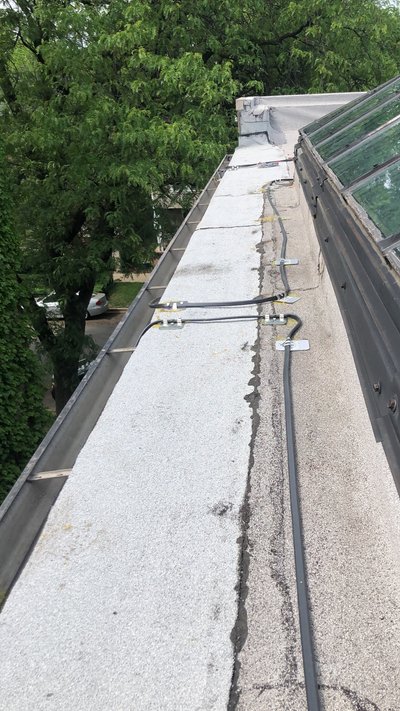
- Can be used to control snow melting or roof and gutter deicing systems
Snow and Ice Melting WiFi Control Description
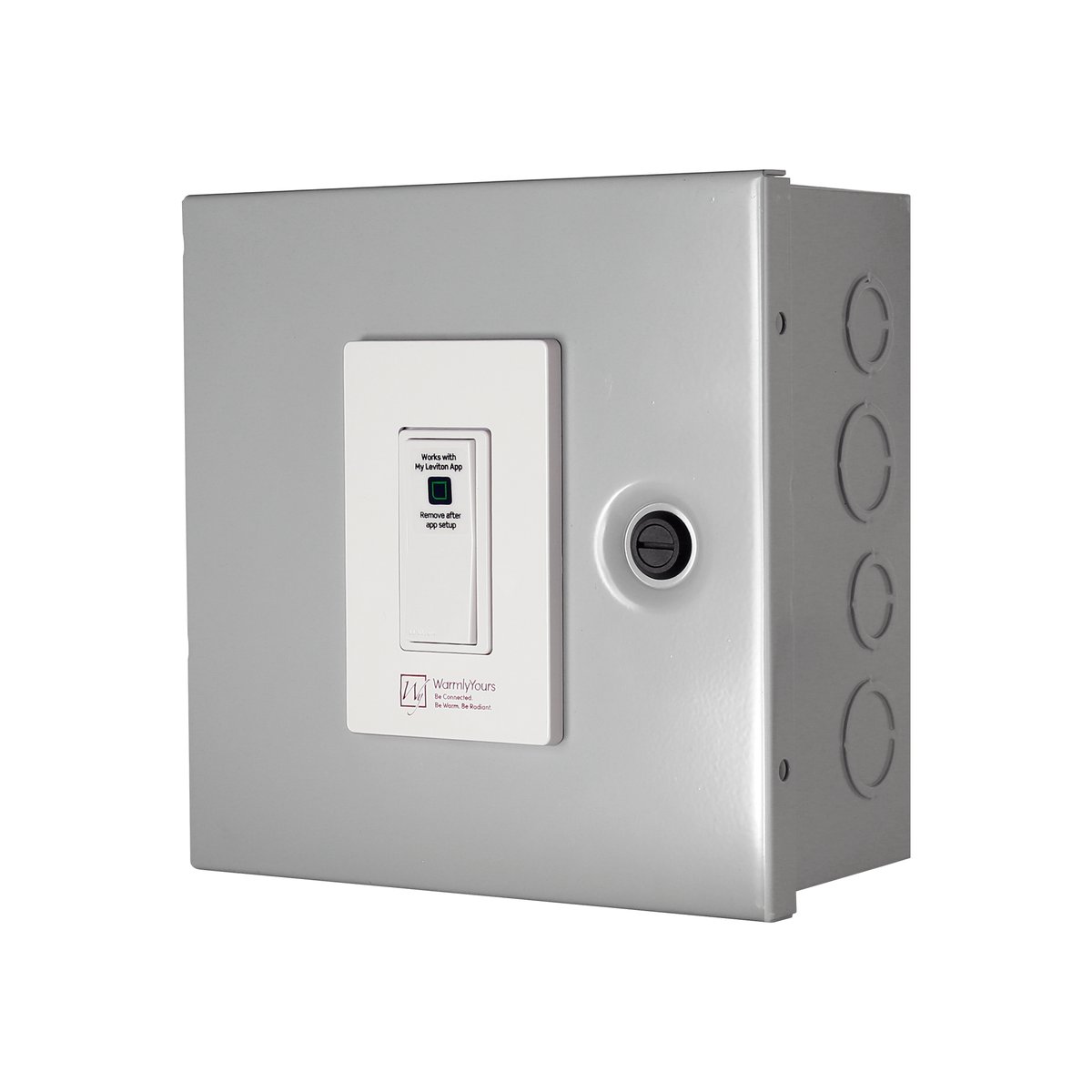
The WarmlyYours SCW-120-15A Snow and Ice Melting WiFi Control is a flexible, user-friendly, and affordable control option for snow melting and roof and gutter deicing systems. This unit features a built-in 120V WiFi standard switch and can be used without a relay panel for projects with an amperage draw of 15 Amps or less. However, for projects with an amperage draw that is greater than 15 Amps, the controller must be used with a compatible relay panel. Using a relay panel, sold separately, allows control of larger jobs and can help switch voltages ranging from 120V to 277V.
This WiFi enabled built-in switch opens a variety of possibilities for how you operate your snow melting system. The easy access switch can be used manually like a traditional on/off switch or you can operate it remotely with your smart device. This control is compatible with various home automation systems like Amazon Alexa, Google Assistant, Apple Home/Siri, Schlage, and SmartThings. Additionally, it can be tied to an If This Then That (IFTTT) account. The IFTTT service has a weather app which allows for the SCW-120-15A Snow and Ice Melting WiFi Control to turn the system on based on weather events.
This control comes with integrated removable knockouts (4 on each side) so that you can run conduits through them without having to cut the metal box.
It can even be paired with various open-source/open-standard software to create a non-proprietary control solution.
Features:
- Can be controlled/programmed remotely with a smart device via the free ‘My Leviton’ app
- Sleek design means this control presents a streamlined appearance when installed
- Works with My Leviton, Amazon Alexa, Hey Google, Apple Home/Siri, Schlage, SmartThings, or IFTTT (no hub required)
- Can be used to control snow melting or roof and gutter deicing systems
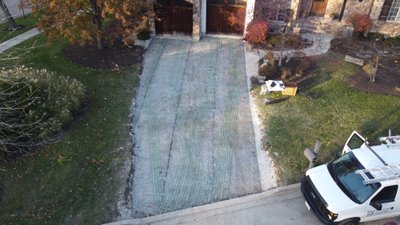
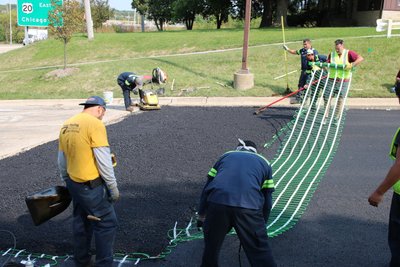
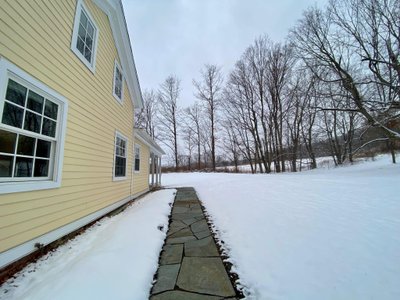
Learn more about snow melting systems. Perfect for heated driveways, patios, walkways and paths, accessibility ramps, or even stairs.
Specifications
Warranty / Certifications
| Approvals | cULus listed |
| Compliances | UL-50 Type 1, CSA Type 1, NEMA Type 1, IEC 60529, IP20 |
| FCC ID | 001-DW15S-1BZ |
| Warranty | 2 years |
Installation
| Best Use | Typically Used For Projects That Require On-demand Remote Operation |
Electrical
| Connection Method | Hardwired |
| Ingress Protection (IPxx) Rating | IP20 |
| Knockouts Available | Yes |
| Maximum Current Description | 15A @ 120V Amps Max Load |
| Maximum Load (Resistive Only) | 15A @ 120V |
| Voltage (Input) | 120 VAC |
Appearance
| Finish | ANSI 61 gray powder coating |
Identifiers
| SKU | SCW-120-15A |
| UPC (GTIN-12) | 881308064433 |
Connectivity
| Voice Control | Compatible with Amazon Alexa, Google Assistant, Apple Home, SmartThings, and Matter support can be enabled with a firmware update via the My Leviton app |
| Wi-Fi IEEE Standards | 802.11 a/b/g/n |
| Wi-Fi Radio Frequency Bands | 2.4 GHz |
| Works with | Compatible with Amazon Alexa, Google Assistant, Apple Home, SmartThings, and Matter support can be enabled with a firmware update via the My Leviton app |
Product Dimensions
| Weight | 5.6 lbs |
Documents
Installation
- SCW-120-15A Snow and Ice Melting WiFi Control Install Manual (English)
- SCW-120-15A Snow and Ice Melting WiFi Control Install Manual (French)
- SCW-120-15A Snow and Ice Melting WiFi Control Install Manual (Spanish)
Operation Manuals
Project Planners
- PRO Resource: Technical Field Guide for Electric Snow Melting Controls, Aerial & In- Slab Sensors, Hold-On Timers, and Pre-Season Commissioning (English)
- WarmlyYours Snow Melting Field Pocket Guide - Quick Field Troubleshooting Checklist (English)
Wiring Diagrams
- SCW-120-15A Snow and Ice Melting WiFi Control To Relay Panel Wiring Diagram (English)
- SCW-120-15A Snow and Ice Melting WiFi Control to Heating Element Wiring Diagram (English)
Sell Sheets
- Snow And Ice Melting WiFi Control Sell Sheet (English)
- Snow Melt Controller Comparison Sheet USA (English)
Catalogs
Frequently Asked Questions
Showing all 5 questions
In Step 2 of the process, where you attempt to connect directly to the Decora Smart Wi-Fi device that is listed in the Wi-Fi networks (it will be listed in the format of Leviton Device-xxxx), instead of connecting you receive a message stating it is "unable to connect" or simple never connects (e.g. no check mark next to the device).
If the device connects and you see this screen, skip to Decora Smart Wi-Fi device will not connect to the Wi-Fi Network or Leviton Cloud.
If the mobile device does not connect to the Decora Smart Wi-Fi device at this step, please follow these troubleshooting step:
- Make sure you have the latest version of the My Leviton App. To ensure that you are running the latest version of the app, check for a My Leviton app update on the Apple App store or Google Play store.
- If available, try using a different mobile phone or tablet running the My Leviton app. Follow Steps 1 and 2 and see if you are able to connect to the device. If you are able to connect, see if you can complete the process.
- Contact our technical support team at dssupport@leviton.com. Please include the type and model of mobile devices you are using and the model number of the Decora Smart device.
GFEP is the National Electric Code (NEC) required protection for fixed outdoor deicing and snow-melting equipment, which may be accomplished by using circuit breakers equipped with ground-fault equipment protection (GFEP) of 30 mA. It is important to understand that this required equipment protection is NOT the same as a 5 mA GFCI used for personal protection.
It depends on how the system is intended to operate. If the expectation is manual operation (ex. WiFi or Timer Control), then no sensors are required. If the expectation is automatic operation, then the system will require at least one snow sensor.


